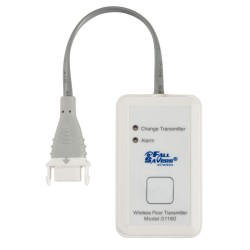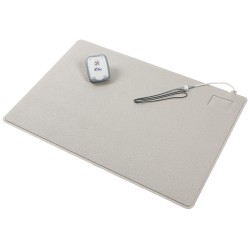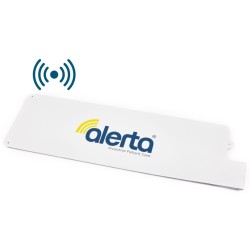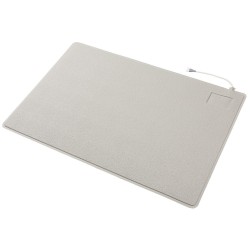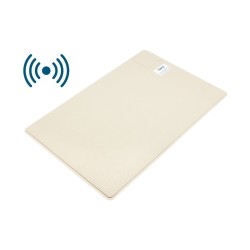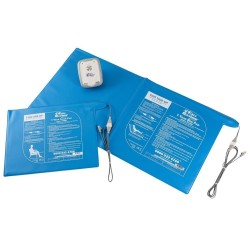
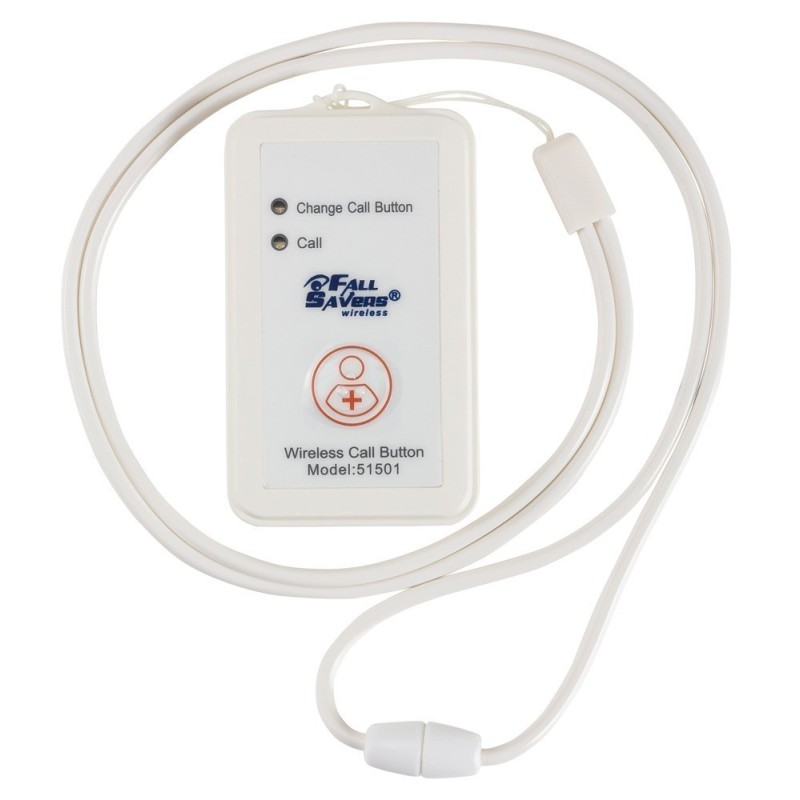


The Fall Savers Wireless Call Button is a compact wireless call button that enables residents and patients to send an immediate alert to care staff by pressing the large button. The alert transmits wirelessly to the paired Fall Savers wireless receiver, monitor or nurse call system, integrating patient-initiated calls into the same alert infrastructure as Fall Savers sensor monitoring. Suitable for bedrooms, bathrooms and communal areas, the wireless operation allows placement at any location within receiver range without cable management. Compact, lightweight and designed for operation by patients with limited hand strength or reduced dexterity.
| Specification | Detail |
|---|---|
| Product Code | NCL-51501 |
| Function | User-initiated wireless call for assistance |
| Button | Large - accessible for limited dexterity or reduced hand strength |
| Output | Wireless alert to Fall Savers receiver, monitor or nurse call |
| Placement | Bedroom, bathroom, communal area |
| Design | Compact and lightweight |
| Receiver Required | Compatible Fall Savers wireless receiver or nurse call system |
CQC Regulation 10 (Dignity and Respect) requires that care providers preserve people's ability to communicate their needs and request assistance: a call system that patients cannot reach or activate when they need it does not meet this standard. The Fall Savers Wireless Call Button supports this requirement by enabling patient-initiated calls from any location within wireless range of the paired receiver, without the patient needing to move to a specific wall-mounted button position. CQC Regulation 12 (Safe Care and Treatment) is served by the battery-powered wireless operation: the button can be placed at the patient's precise location regardless of power outlet or cable infrastructure, ensuring the call function is genuinely accessible from the patient's actual position in the room rather than only from a fixed wall position. NICE Guideline NG147 (Falls in Older People) identifies patient-initiated call systems as a component of fall prevention: a patient who can call for assistance before attempting to stand independently reduces their fall risk compared with a patient who must attempt to stand unaided because they have no accessible means to request supervised assistance.
Can the Fall Savers Wireless Call Button be worn by the patient, or is it designed for placement only?
The Fall Savers Wireless Call Button is a compact unit designed for bedside, table-top or wall-mounting placement in the patient's immediate environment. Whether it can be worn - for example, around the wrist or neck - depends on the specific unit's physical design and whether a wearable attachment is supplied or available as an accessory. For patients who require a wearable call button that they carry on their person at all times, including in communal areas and bathrooms away from a fixed placement position, confirm with the supplier whether the NCL-51501 supports wearable use and what attachment options are available. If a wearable configuration is required, also confirm that the wireless range of the button from the patient's expected movement locations to the paired receiver is sufficient for reliable alert delivery across the full care environment.
Does pressing the call button generate an alert through the nurse call system panel as well as the Fall Savers receiver?
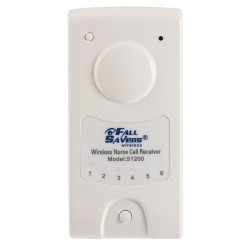
The Fall Savers Wireless Call Button transmits wirelessly to its paired receiver. Whether the alert also appears on the care home's nurse call system panel depends on how the Fall Savers receiver is integrated with the nurse call system infrastructure. If the Fall Savers Wireless Nurse Call Receiver (NCL-51200) is in use, Fall Savers sensor alerts - including call button alerts if the button is paired to the same receiver - can be routed to the nurse call system panel for centralised staff notification. Without nurse call system integration, the alert is received only on the paired Fall Savers wireless receiver or monitor. Confirm the alert routing configuration with the supplier when setting up the Fall Savers system to ensure call button alerts reach the appropriate staff response points in the specific care environment.
Part of our comprehensive Patient Sensor Alarms range. Wireless patient alarms provide flexible, cable-free fall prevention and resident safety monitoring across care homes and home care settings.